
Answer
Elementor offers a visual drag-and-drop interface, enabling users to design websites without writing code. It provides a wide range of widgets and templates for building professional-looking sites efficiently. Many common Elementor issues, such as widgets not loading or styling problems, are often resolved by clearing caches or checking for plugin conflicts.
Overview
This guide explores how Elementor works as a website builder, including its design principles and theme selection. We examine how it can streamline website development for businesses seeking efficient online solutions. The article also includes a labeled real-world hypothetical about Chloe, offering a practical recommendation for achieving digital marketing goals.
- Design Principles: Explore key design concepts for websites built with Elementor.
- Theme Selection: Discover methods for picking an Elementor theme that aligns with project needs.
- Streamline Development: See how Elementor simplifies website creation for various businesses.
- Visual Hierarchy: Learn about creating effective visual layouts with Elementor.
- Real-World Example: Review a hypothetical scenario involving Elementor use for business growth.
- Expert Help: Find out where to get professional Elementor support today.
Elementor Help Essential Design Principles for Your Website
Six core design principles—visual hierarchy, consistency, readability, user experience (UX), mobile responsiveness, and branding—govern conversion-focused web layouts. Elementor provides tools like Flexbox containers, CSS Grid, and Global Site Settings to execute these standards with pixel-level accuracy. Neo Digital applies these structural rules to build high-converting WordPress sites for clients.
Structured design principles guide visitors to target information and conversion points without friction. Clear layouts lower bounce rates and increase on-page engagement. When businesses request Elementor help, Neo Digital translates these six principles directly into the page builder’s global configurations and widget controls.
| Design Principle | Application in Elementor |
|---|---|
| Visual Hierarchy | Structure pages with H1–H6 heading tags and distinct Flexbox containers to guide eye movement. Set custom typographic scales, font weights, and padding to highlight primary calls to action. |
| Consistency | Configure Elementor Global Fonts and Global Colors inside Site Settings to enforce uniform typography, color palettes, and container spacing across every template. |
| Readability | Select web-safe fonts, maintain a minimum 4.5:1 contrast ratio between text and background colors, and limit paragraph widths to 60–75 characters per line. |
| User Experience (UX) | Build clear header navigation, logical page layouts, and lightweight DOM structures that load quickly. Elementor support services optimize these technical and structural factors. |
| Mobile Responsiveness | Adjust container directions, font sizes, and margin values using Elementor’s custom breakpoints for desktop, tablet, and mobile viewports. |
| Branding | Upload custom SVG logos, brand color hex codes, and custom font files into Elementor Theme Builder templates to maintain strict brand identity across all pages. |
How to Choose a Fast and Compatible Elementor Theme
To choose a fast and compatible Elementor theme, select a lightweight framework like Hello Elementor, Astra, or GeneratePress that weighs under 50 KB and loads zero render-blocking scripts. Direct integration with the Elementor page builder prevents JavaScript conflicts and DOM bloat during visual editing.
Your theme architecture directly controls Core Web Vitals, search engine rankings, and mobile conversion rates. Neo Digital pairs businesses seeking elementor help with modular themes that receive frequent security patches, support native CSS Grid layouts, and pass Google PageSpeed assessments on both desktop and mobile devices.
| Consideration | Impact on Website |
|---|---|
| Elementor compatibility | Enables conflict-free drag-and-drop editing and full theme builder support. |
| Performance (speed) | Sub-second base load times improve Core Web Vitals and organic rankings. |
| Responsive design | Adapts breakpoints accurately across desktop monitors, tablets, and mobile screens. |
| Customization options | Controls global typography, color palettes, and layout containers without custom code. |
| Regular updates | Delivers PHP 8.x compatibility, security patches, and bug fixes for long-term stability. |
| Developer support | Provides technical documentation and troubleshooting through Elementor Support services. |
| SEO friendliness | Uses valid HTML5 schema and clean markup to support your Digital Marketing Drive. |
How Elementor Streamlines Website Development for Businesses
Elementor accelerates WordPress website development by replacing manual HTML, CSS, and PHP coding with a front-end visual builder. Businesses reduce production timelines and development costs because marketing teams can build, preview, and publish pages directly. Companies running frequent campaigns use this architecture for rapid prototyping and immediate content updates without waiting on developer queues.
Five core capabilities standardize brand identity and speed up deployment across landing pages and multi-page corporate sites:
- Real-Time Visual Editing: Designers adjust layouts, spacing, and typography directly on the live canvas, eliminating preview reloads and shortening revision cycles.
- Pre-Designed Templates and Wireframe Blocks: Saved global sections and page kits accelerate campaign launches while keeping fonts, colours, and button styles uniform across the domain.
- Custom Breakpoint Controls: Built-in responsive settings let editors adjust margins, padding, and column ordering independently for desktop, tablet, and mobile viewports.
- Third-Party Add-On Compatibility: Native integrations with WooCommerce, CRM webhooks, and custom post types (via ACF or JetEngine) expand site functionality without custom plugin development.
- Full-Site Theme Builder: Global templates govern headers, footers, 404 pages, and dynamic blog archives, giving administrators complete layout control beyond standard page content.
Neo Digital implements Elementor for businesses in Edmonton, Alberta that require fast turnaround times and straightforward day-to-day content management. When internal teams need specialized Elementor help for custom API integrations, dynamic data structures, or Core Web Vitals optimization, Neo Digital configures the builder to scale cleanly without code bloat.
Visual Hierarchy and User Experience with Elementor
Visual hierarchy in Elementor uses global typography scales, WCAG-compliant color contrast, and flexbox container spacing to direct visitor attention toward primary calls to action. By structuring headings, body copy, and interactive buttons in a predictable scanning pattern (such as F-pattern or Z-pattern layouts), designers reduce cognitive load and increase page conversion rates.
Contrasting colors, proportional font weights, and deliberate whitespace separate primary offers from secondary content. For example, setting an H1 heading to 48px with a bold weight immediately draws the eye before a 16px body paragraph. Neo Digital applies these layout standards to improve user experience and engagement across custom WordPress builds.
A logical visual flow prevents visitor fatigue and lowers bounce rates. Effective Elementor help goes beyond basic widget placement to configure global design tokens that match how target audiences scan and process page information.
| Design Element | Impact on User Experience | Implementation in Elementor |
|---|---|---|
| Font Sizing and Weight | Establishes text hierarchy and scanning speed. | Configure fluid typography (px, rem, or clamp) in Site Settings > Global Fonts. |
| Color Contrast | Highlights interactive buttons and meets WCAG 2.1 AA accessibility ratios (4.5:1 minimum). | Assign distinct primary and accent hex codes in Global Colors for buttons and headings. |
| Whitespace | Reduces visual clutter and isolates high-value conversion elements. | Apply uniform padding and margin values inside Flexbox or Grid container settings. |
| Placement and Layout | Guides eye movement along natural reading paths. | Position high-priority widgets above the fold using nested containers and custom Z-index ordering. |
| Visual Cues | Signals clickability and confirms user interaction. | Add CSS hover transitions, box shadows, or motion effects in the Advanced widget tab. |
Structured visual hierarchy directly accelerates how fast users locate forms, pricing tables, and checkout buttons. When building client layouts, Neo Digital establishes clear visual pathways that lead directly to lead generation forms or product pages, strengthening brand credibility and supporting broader digital marketing campaigns.
A Local Homeowner Example
Small business owners in Edmonton, Alberta frequently need direct elementor help when configuring a new WordPress storefront. Deciding between Elementor and alternative visual page builders depends on long-term theme compatibility, WooCommerce integration, and how quickly technical glitches can be resolved.
Chloe is launching an online boutique in Edmonton and needs a responsive website to showcase her inventory. She likes Elementor’s visual drag-and-drop workflow and Hello Theme pairing, but she worries about encountering layout shifts, broken widgets, or PHP memory errors she cannot fix on her own.
Recommendation: Elementor Support and Troubleshooting
Neo Digital recommends starting with built-in Elementor diagnostic tools before switching website platforms. Common roadblocks—such as the widget panel spinning endlessly, CSS styling conflicts, or changes failing to appear on the live site—are typically resolved through three direct steps:
- Regenerate CSS and Data: Go to Elementor > Tools > General in the WordPress dashboard and click Regenerate Files & Data to clear stale stylesheet caches.
- Enable Safe Mode: Toggle Safe Mode to isolate the editor from third-party plugins and active child themes, identifying whether an external add-on is blocking the page builder.
- Verify Server Limits: Confirm your hosting environment runs PHP 7.4 or higher and allocates at least 256MB of
WP_MEMORY_LIMITso complex WooCommerce templates load without timing out.
Following this troubleshooting sequence fixes the majority of editor errors without rebuilding the site on another platform. When custom code conflicts, database bloat, or theme incompatibilities persist, professional Elementor help keeps your storefront running smoothly. For additional tool comparisons and growth strategies, review Digital Marketing Drive options.
Get Expert Elementor Help from Neo Digital Today
Professional assistance resolves complex web development challenges and persistent page builder errors so your site performs reliably. Hiring experienced developers for specialized Elementor help prevents database bloat, fixes plugin conflicts, and optimizes page speed.
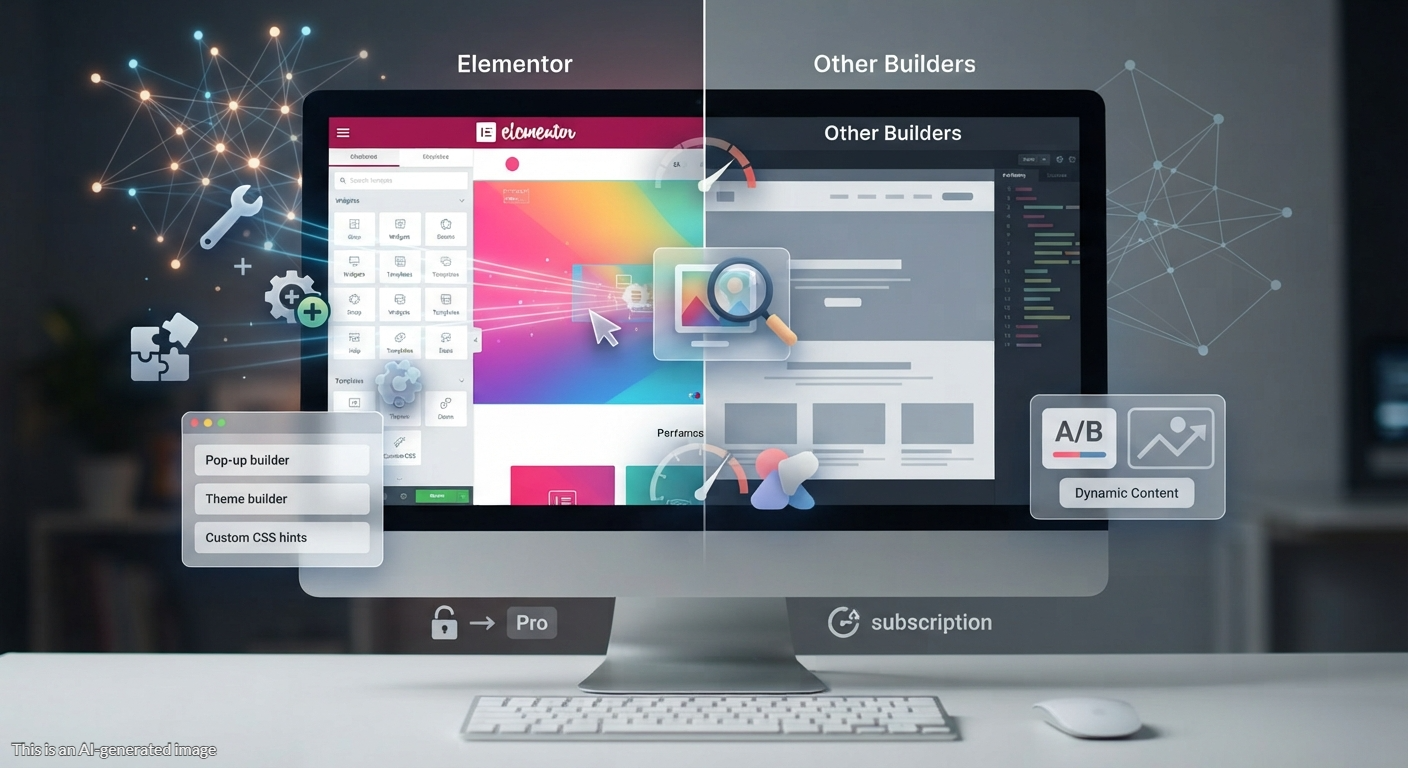
Neo Digital supports Elementor users by handling custom layout challenges and technical troubleshooting. Developers at Neo Digital assist clients in Edmonton and across Alberta with fine-tuning Elementor sites for faster load times and higher user engagement, making sure dynamic design elements and responsive breakpoints render accurately on every device.
From fixing a broken Elementor widget to executing a full site rebuild, Neo Digital delivers targeted technical solutions. Businesses setting up WordPress Elementor Pro, auditing third-party Elementor addons, or selecting lightweight Elementor themes like Hello Elementor and Astra can rely on direct support to speed up their development workflow.
FAQ
To guide Edmonton businesses through the website design and theme selection process, we have compiled answers to the most common questions about getting professional Elementor help. Review the table below to learn more about core design components, project workflows, and expected investments.
| Question | Answer |
|---|---|
| How does professional Elementor help improve website design and online success for Edmonton businesses? | Professional elementor help enables Edmonton businesses to build fast, visually engaging websites through proper theme selection and structured layout design. By optimizing visual editing workflows and resolving plugin conflicts early, local companies can maintain a reliable online presence that runs smoothly across all devices. This technical foundation helps attract local visitors, strengthen brand communication, and convert traffic into customers in the Edmonton market. |
| Which core design elements and theme components should Edmonton businesses focus on when seeking Elementor help? | When seeking elementor help, Edmonton businesses should prioritize selecting a lightweight, compatible base theme to ensure fast loading speeds and prevent plugin conflicts. Core design elements must include mobile-responsive layouts, intuitive navigation for strong user experience (UX), and consistent global styling that reflects your brand identity. Combining these clean visual editing practices with built-in SEO structure and strong security creates a reliable, high-performing digital presence in the Edmonton market. |
| How does the website design and theme selection process work for Edmonton businesses seeking Elementor help? | For businesses in Edmonton seeking elementor help, the website design process begins with discovery, planning, and selecting a lightweight, compatible WordPress theme that aligns with your goals. This is followed by wireframing, content creation, and custom visual editing to build responsive, brand-consistent layouts. The final stages include resolving any plugin conflicts, rigorous performance testing, launch, and ongoing maintenance to keep the site running smoothly. |
| How much should Edmonton businesses expect to invest in professional Elementor help and website design services? | The investment for professional website design services and elementor help in Edmonton depends on the scope, complexity, and technical needs of your project. Targeted support—such as resolving plugin conflicts, visual layout adjustments, or theme selection—is often billed hourly or as a smaller package, whereas simple informational websites typically range from $1,500 to $5,000. More comprehensive small business sites generally cost between $5,000 and $15,000, while complex e-commerce platforms or custom web applications for Edmonton businesses can require $10,000 to over $100,000. |